Questions from venue managers
Where do I start with setting up the module?
Guided setup collects your business profile, areas, equipment and processes. Save a draft and review the summary before generating a draft plan, control points, cleaning programmes and reminders. The manager and adviser can then adapt this starting point to the venue.
How do I record a fridge temperature?
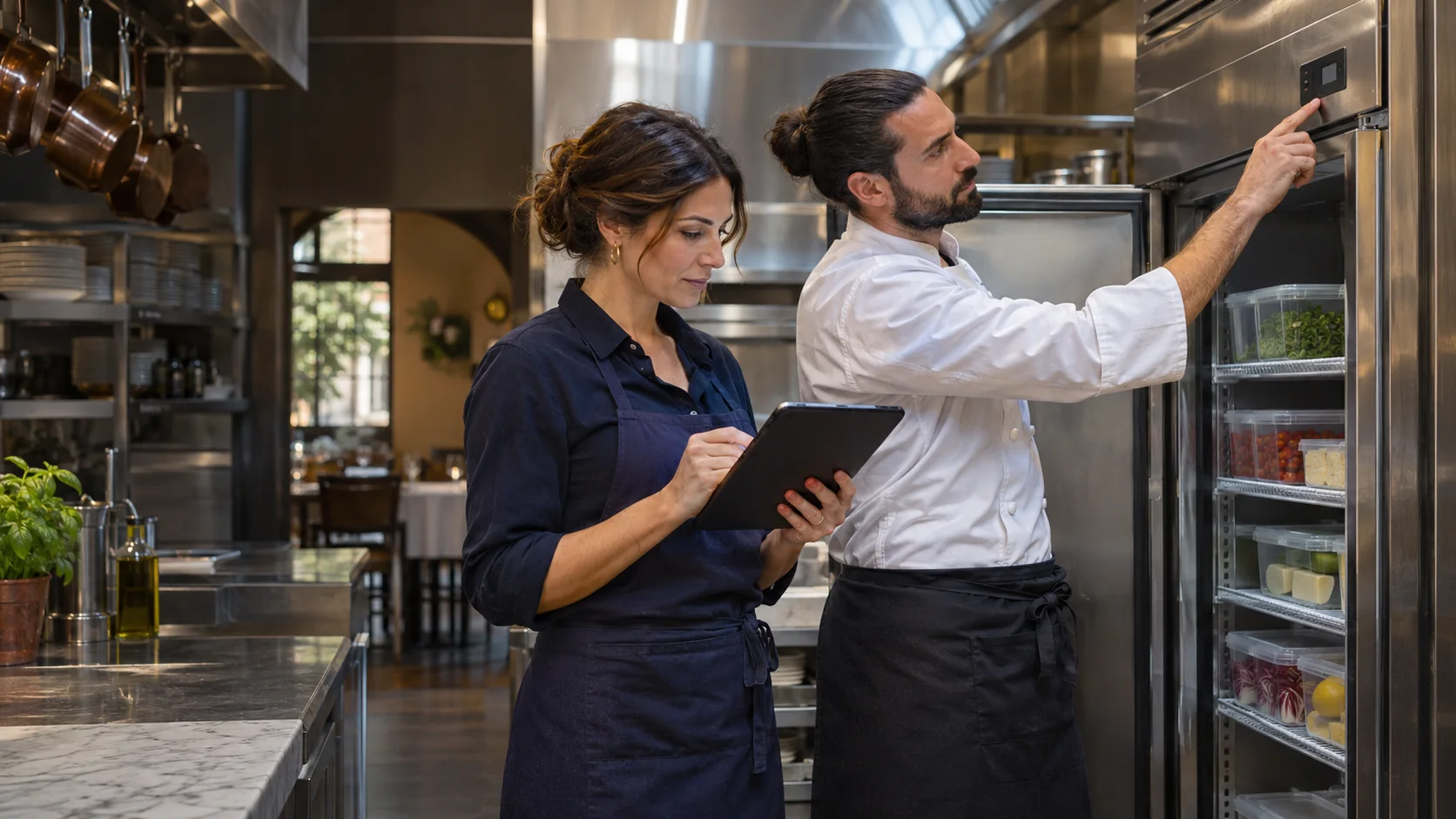
Create a control point with the parameter, unit and limits specified in your plan, and link it to the fridge. When you carry out the check, manually enter the reading, date and time, outcome and any notes. The record also has fields for references to the person who carried out the check and the reviewer.
Can I distinguish planned cleaning from completed work?
Yes. Cleaning programmes define the scope, frequency, procedure, product and contact time. Task records hold the programme carried out, date and time, outcome and notes, with references to the person doing the work and the reviewer. Lists help you look up tasks by period and programme.
How do I follow up on an issue found during a check?
Open a non-conformity record and describe the issue, specifying severity and status. Link corrective actions with a responsible person and deadline, then record an effectiveness review with date, outcome and notes. Open non-conformities are highlighted on the dashboard.
Where can I find procedures and deadlines?
In Documents, organise manuals, procedures, instructions and forms with version, issue and review dates and a file reference. In Reminders, record upcoming tasks and the assignee, updating status and completion. The dashboard highlights open deadlines and planned document reviews.
Can I look back at checks for a particular period?
Yes. The checks list has filters for date range, control point, equipment and outcome. Cleaning task lists have their own filters too. You can revisit individual records, notes and references to who carried out and reviewed the work.